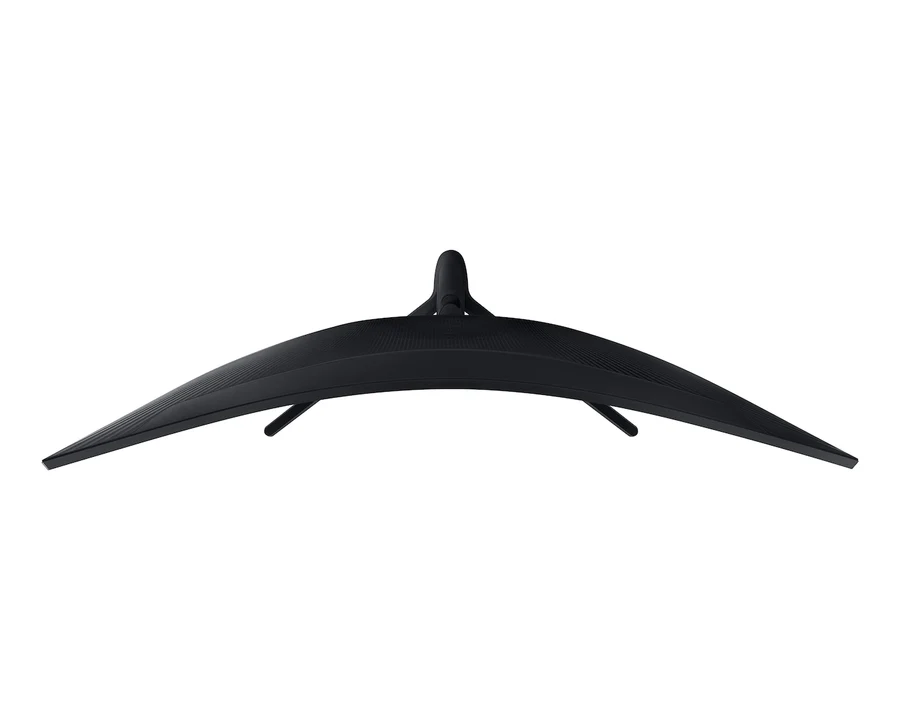
Description
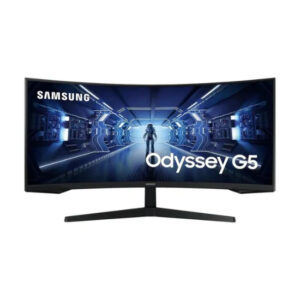
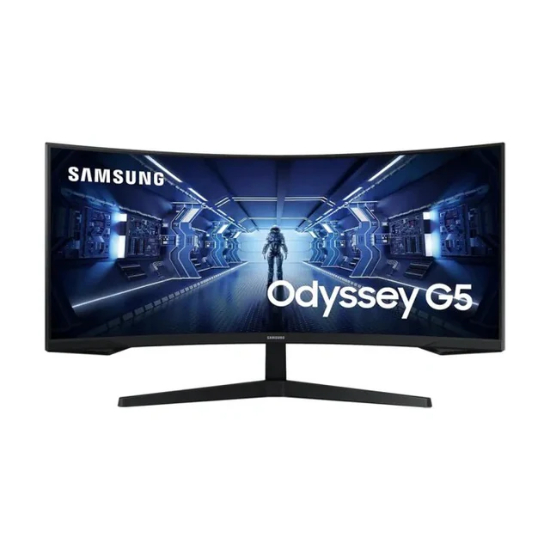
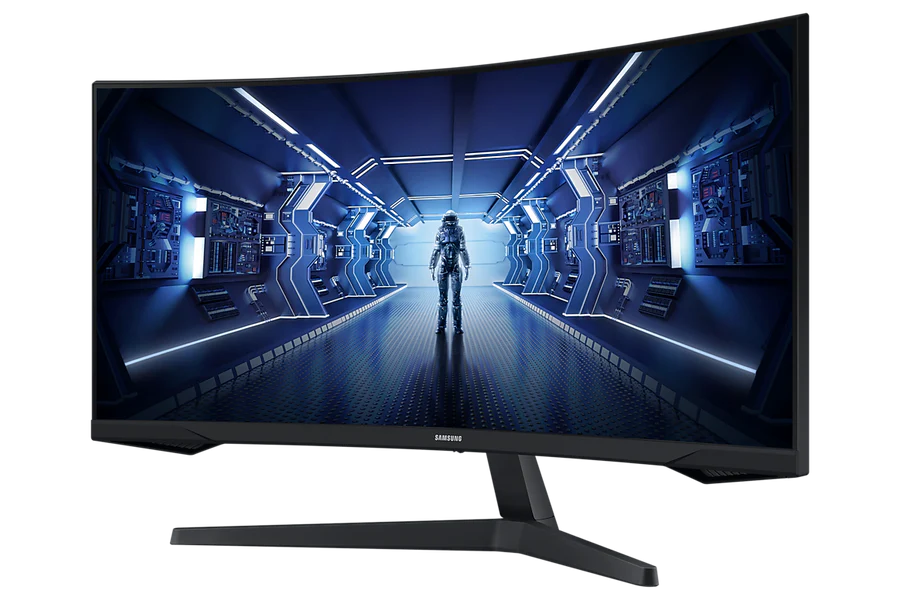
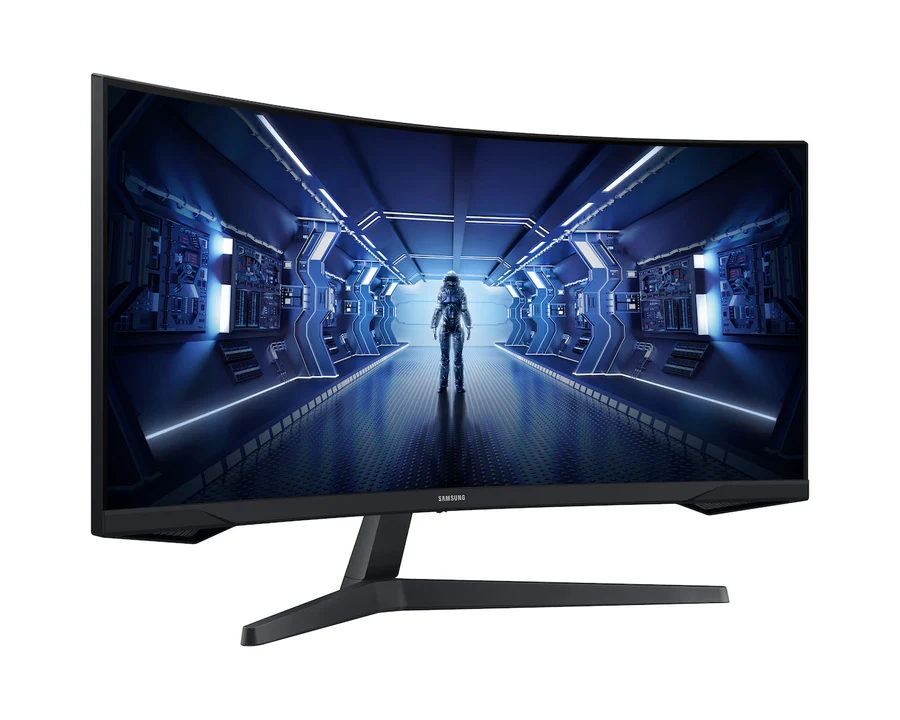
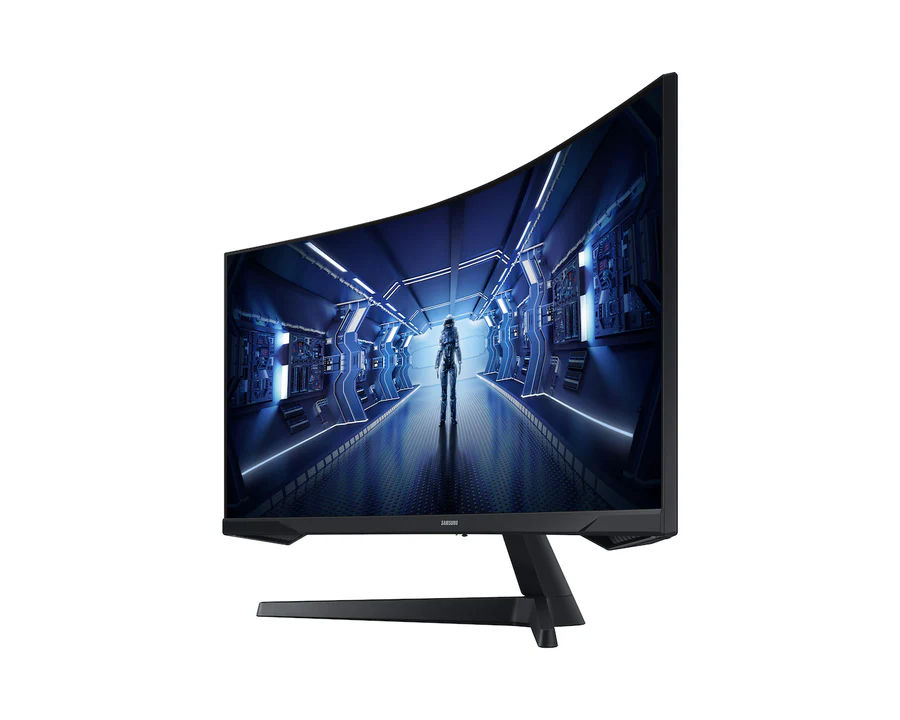
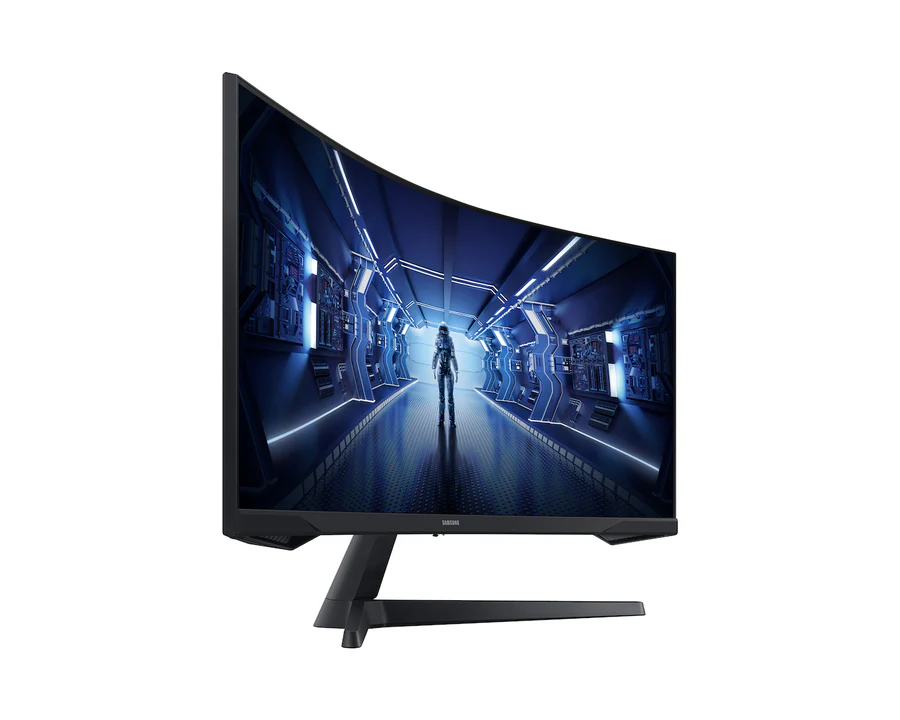
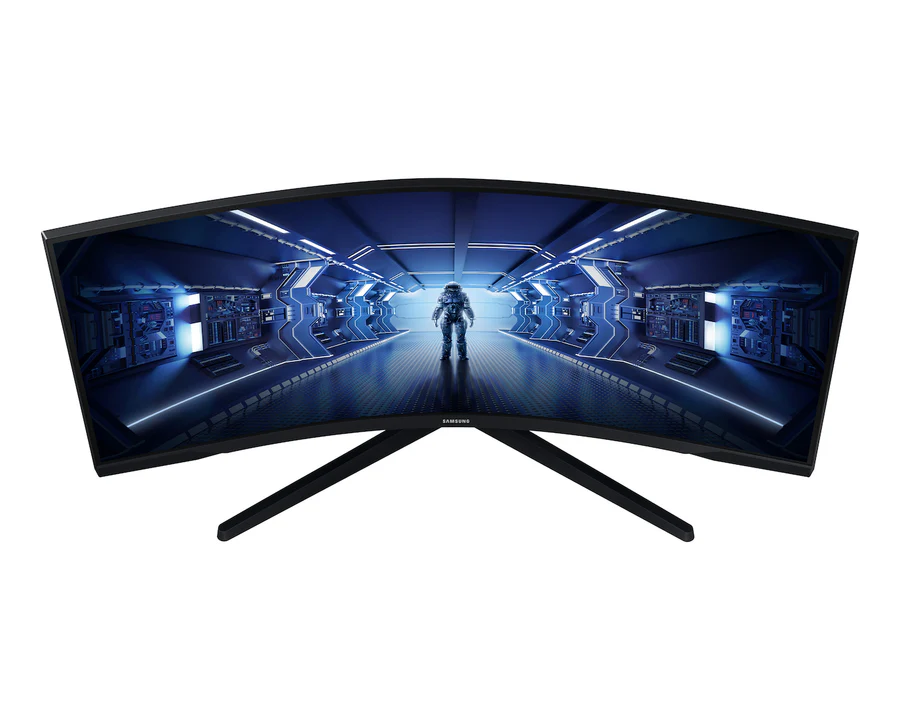
The Samsung Odyssey G55T Pro is a 34-inch Ultra WQHD (3440×1440) curved gaming monitor featuring a 1000R VA panel — the tightest curvature offered by Samsung — with a 165Hz refresh rate, 1ms MPRT response time, AMD FreeSync Premium, HDR10, Mega Infinity Dynamic Contrast Ratio, and Samsung’s full gaming UX toolkit including Black Equalizer, Low Input Lag Mode, Super Arena Gaming UX, and Screen Size Optimizer. It delivers immersive ultrawide gaming with a single-cable, single-display solution that eliminates the centre bezel and cable clutter of dual-monitor setups.

Technical Specifications
General Information
| Brand | Samsung |
| Model | Odyssey G55T Pro |
| Model Number | LC34G55TWWMXUE |
| Colour | Black |
| Monitor Type | Curved Gaming Monitor |
Display
| Screen Size | 34 Inches (Class) |
| Panel Type | VA (Vertical Alignment) |
| Curvature | 1000R Curved |
| Resolution | Ultra WQHD — 3,440 × 1,440 pixels |
| Aspect Ratio | 21:9 |
| Active Display Size (H×V) | 797.22 × 333.72 mm |
| Refresh Rate | Max 165Hz |
| Response Time | 1ms MPRT |
| Brightness (Typical) | 250 cd/m² |
| Brightness (Minimum) | 200 cd/m² |
| Contrast Ratio (Static) | 2,500:1 (Typical) |
| Contrast Ratio (Dynamic) | Mega Infinity DCR |
| HDR Support | HDR10 |
| Colour Depth | 16.7 Million Colours |
| Colour Gamut (NTSC 1976) | 72% |
| Viewing Angle (H/V) | 178° / 178° |
| Flicker-Free | Yes |
| Eye Saver Mode | Yes |

Connectivity
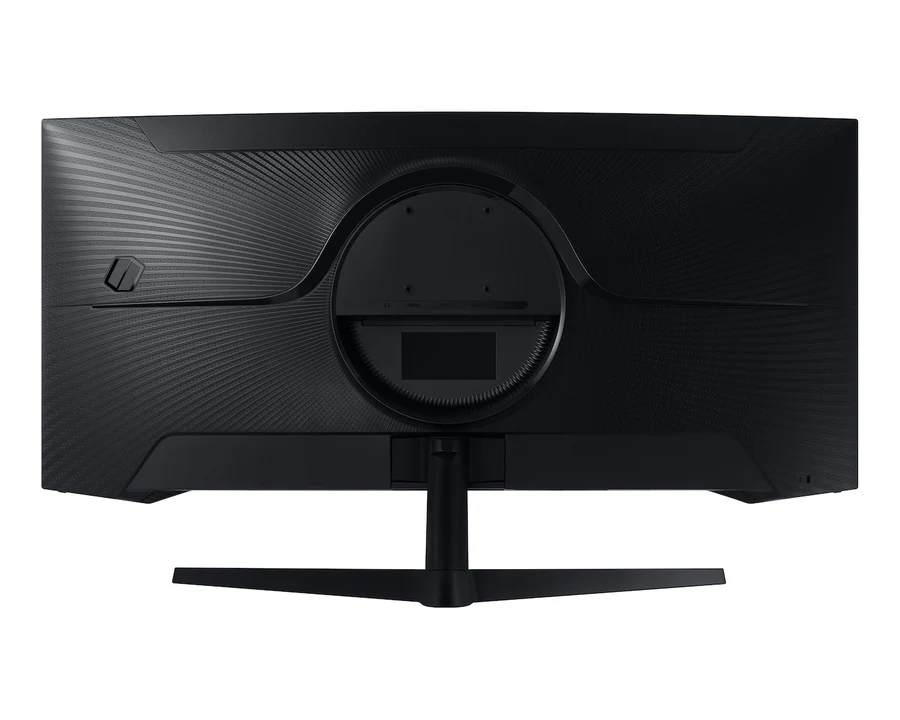
| DisplayPort | 1× DisplayPort 1.4 |
| HDMI | 1× HDMI 2.0 |
| Headphone Output | Yes — 3.5mm Jack |
| USB Ports | No |
| USB-C | No |
| Wireless Display | No |
| Built-in Speakers | No |
Gaming Features
| Sync Technology | AMD FreeSync Premium |
| Black Equalizer | Yes |
| Low Input Lag Mode | Yes |
| Super Arena Gaming UX | Yes |
| Screen Size Optimizer | Yes |
| Refresh Rate Optimizer | Yes |
| Picture-By-Picture (PBP) | Yes |
| Off Timer Plus | Yes |
| Colour Modes | Custom / FPS / RTS / RPG / AOS / Cinema / Dynamic Contrast |
Ergonomics and Design
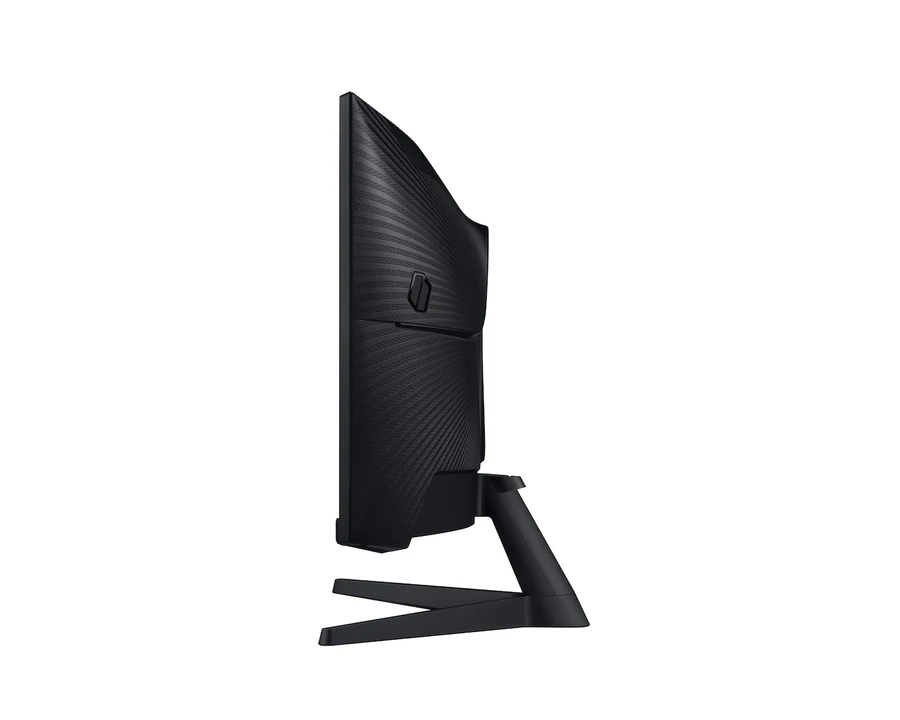
| Stand Type | Simple |
| Tilt | -2° to +18° |
| Height Adjustment | No |
| Swivel | No |
| VESA Mount | Yes — 75 × 75mm |
Power and Dimensions
| Power Supply | AC 100–240V — External Adaptor |
| Power Consumption (Typical) | 49.0W |
| Power Consumption (Max) | 50W |
| Power Consumption (DPMS) | 0.50W |
| Power Consumption (Off Mode) | 0.30W |
| Yearly Power Consumption | 72 kWh/year |
| Energy Efficiency Class | B |
| Operating Temperature | 10°C – 40°C |
| Operating Humidity | 10% – 80% (Non-Condensing) |
| Dimensions with Stand (W×H×D) | 806.6 × 475.3 × 272.6 mm |
| Dimensions without Stand (W×H×D) | 806.6 × 380.9 × 152.7 mm |
| Package Dimensions (W×H×D) | 901.0 × 216.0 × 441.0 mm |
| Weight with Stand | 5.6 kg |
| Weight without Stand | 5.2 kg |
| Package Weight | 7.9 kg |
In the Box
| Power Cable | 1× Power Cable (1.5m) |
| DisplayPort Cable | 1× DisplayPort Cable |
Key Features
- 1000R Curved 34″ Ultra WQHD VA Panel — The Tightest Immersive Curvature at Ultrawide Scale: The 1000R curvature radius matches the average focal length of the human eye — meaning every point on the screen’s surface is equidistant from the viewer’s eyes, eliminating the edge distortion and focus shift that flatter curved and flat ultrawides produce at the edges of a 34-inch panel. Combined with the 21:9 aspect ratio and 3,440×1,440 resolution, the Odyssey G55T Pro delivers a peripheral-filling field of view that expands the horizontal game world compared to 16:9 monitors of any size, without the dead-centre bezel that dual-monitor setups impose.

- 165Hz Refresh Rate and 1ms MPRT — Ultra-Smooth Motion at Competitive Speeds: The 165Hz refresh rate outputs up to 165 frames per second, rendering each frame in 6.06ms for fluid, stutter-free motion in fast-action genres including FPS, racing, and sports titles. The 1ms MPRT (Moving Picture Response Time) minimises motion blur during fast camera panning and rapid on-screen movement — keeping enemies, projectiles, and environmental details sharp even at high speeds. Together, the two specifications deliver the responsiveness required for competitive gameplay without sacrificing the ultrawide immersive experience.
- AMD FreeSync Premium — Adaptive Sync with Low Framerate Compensation: AMD FreeSync Premium goes beyond basic FreeSync by adding Low Framerate Compensation (LFC) — which activates when the GPU frame rate drops below the monitor’s minimum sync range and multiplies the frame output to keep adaptive sync engaged. This prevents the screen tearing and judder that standard FreeSync produces when frame rates dip during demanding scenes. For GPU-intensive ultrawide gaming where frame rate fluctuations are more common than at 1080p, FreeSync Premium’s LFC provides more consistent tear-free performance across a wider range of in-game conditions.
- HDR10 and 2,500:1 Native Contrast with Mega Infinity DCR — Realistic Depth and Shadow Detail: The VA panel’s native 2,500:1 contrast ratio is substantially higher than the typical 1,000:1 of IPS panels — producing deeper blacks and more defined shadow separation that makes dark game environments, night scenes, and cinematic content look inherently more realistic without requiring HDR processing. HDR10 support adds peak brightness mapping for compatible content, while the Mega Infinity Dynamic Contrast Ratio adjusts backlight output dynamically to extend the perceived contrast range in scenes with mixed dark and bright elements.
- Black Equalizer, Super Arena Gaming UX, and Seven Colour Modes — Samsung’s Full Gaming Toolkit: Black Equalizer brightens shadow areas selectively without overexposing bright regions — allowing players to spot enemies hiding in dark map areas without washing out the rest of the scene. Super Arena Gaming UX overlays a virtual arena boundary that aligns with the ultrawide aspect ratio, enhancing spatial awareness in strategy and battle royale titles. Seven preset colour modes (Custom, FPS, RTS, RPG, AOS, Cinema, Dynamic Contrast) optimise the display’s colour temperature, gamma, and brightness profile for each specific game genre — delivering game-appropriate visuals with a single mode selection rather than manual calibration.